
How to Brief a Video Editor Without Moving the Goalposts

I hope you enjoy reading this blog post. If you want my team to just do your marketing for you, click here.
Author: Jeremy Haynes | Published October 2, 2026
Earnings Disclaimer: You have a .1% probability of hitting million-dollar months according to the US Bureau of Labor Statistics. As stated by law, we cannot and do not make any guarantees about your own ability to get results or earn any money with our ideas, information, programs, or strategies. We don’t know you, and your results in life are up to you. We’re here to help by giving you our greatest strategies to move you forward, faster. However, nothing on this page or any of our websites or emails is a promise or guarantee of future earnings. Any financial numbers referenced here, or on any of our sites or emails, are simply estimates or projections or past results, and should not be considered exact, actual, or as a promise of potential earnings – all numbers are illustrative only.
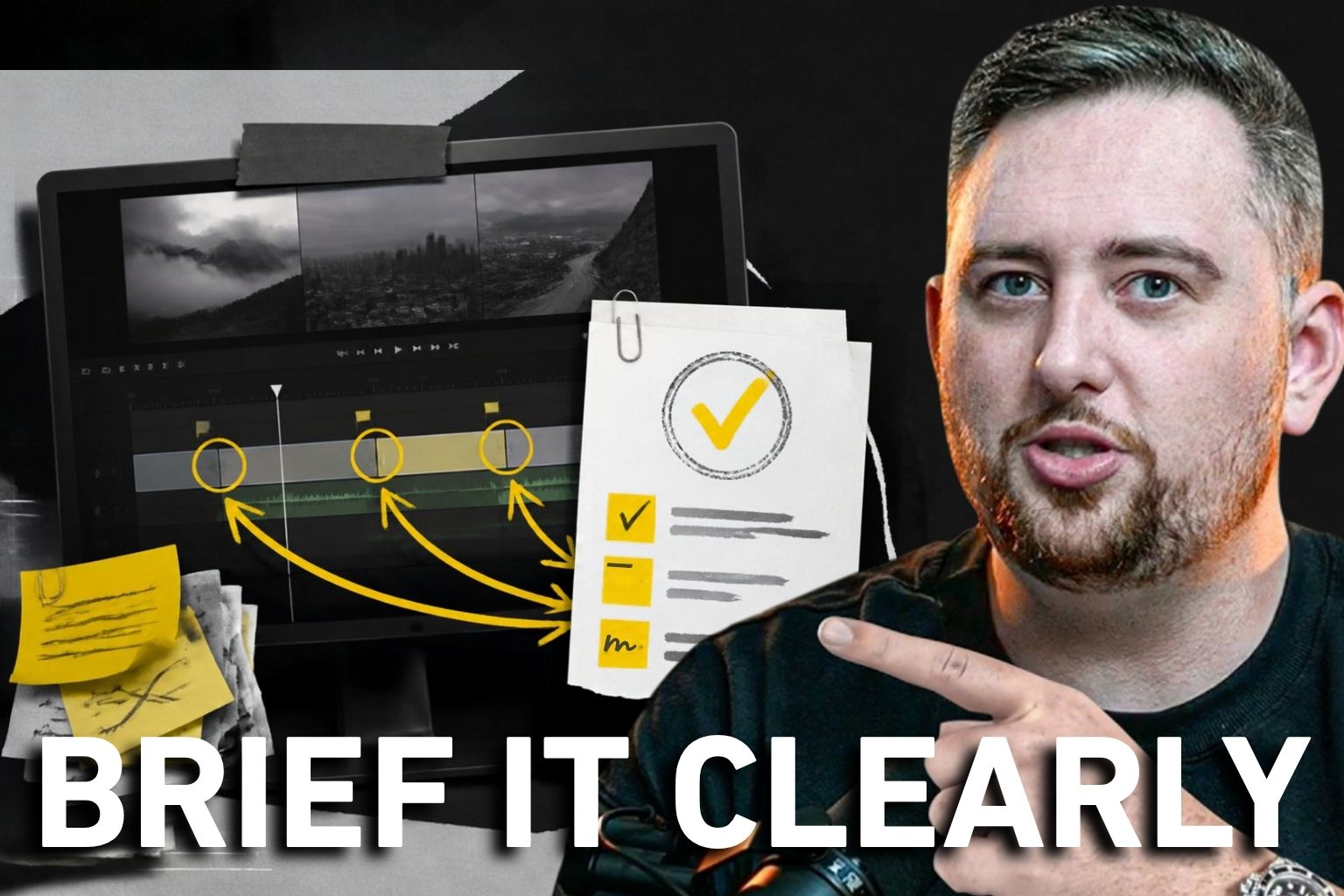
If your editor follows the brief and you still reject the cut, check what changed between the handoff and the review. A useful video editing brief should make the message, references, and approval standard clear before the editor starts. It also needs a way to handle your feedback without turning every new preference into something the editor supposedly missed. I would build the system around that agreement, from the first cut through the final export.
You can dislike an edit for a good reason. The opening may drag, the explanation may lose its meaning, or the call to action may point to the wrong place. Give the editor that reason. “It doesn’t feel like us” leaves them trying to solve a problem you haven’t described.
I want the editor to bring judgment to the work. For that to happen, we need to agree on the decisions already made and the decisions they can still improve.
Already making money? See what it takes to make a lot more.
What Your Video Editing Brief Has to Settle
The brief should settle the job of this particular video. Start with what the viewer needs to understand and what you want them to do afterward. Then identify the material the editor has to work with.
A founder explanation, a customer interview, and a paid ad may use similar footage while needing different cuts. If you only provide the files and the preferred length, the editor still has to guess which argument deserves the opening.
Tell them whether the script is approved or still open to rearrangement. Identify the statements whose meaning must stay intact. If the offer has changed since filming, resolve that before treating the footage as ready to edit.
The same distinction matters when choosing in-house creative or an agency. Someone inside the business needs to own the message. The person assembling the video should know who can answer a question about that message.
I would keep reusable style preferences separate from the assignment. Your approved fonts and caption treatment can live in a shared reference. The project brief should explain what is different about this job, including the audience, destination, and footage that carries the main point.
Don’t hide an essential requirement in a long folder of examples. If the ending needs a specific action, put that action beside the deliverable. If a statement needs approved wording, attach the wording to the relevant part of the script.
A brief can be short and still do this well. Its value comes from answering the decisions the editor would otherwise have to send back to you.
Explain Which Part of a Reference You Want
A reference becomes useful when you explain what the editor should take from it. You might like the pacing while wanting none of the graphics. You might want the way a demonstration stays visible while disliking the music.
Say that directly. Sending a polished video with “make it like this” leaves the editor choosing which similarities count.
I would attach the reason to each reference. Point to the relevant passage and describe what it does for the viewer. Perhaps the speaker finishes the thought before the supporting footage appears. Perhaps the on-screen example makes a complicated point easier to follow.
That gives the editor something to interpret. A direction such as “more energy” can mean faster cuts, a different take, louder music, or a shorter explanation. Those changes are not interchangeable.
A reference should explain a choice the editor can make. It should also identify what you do not want copied. Otherwise, a useful example can become an accidental instruction to reproduce its entire treatment.
This is related to giving creative references a clear purpose, but the editor’s question comes later in production. The footage already exists. The brief now has to explain how that material should become a coherent video.
Your own approved work can help too. Keep an example because it demonstrates a specific choice, such as readable captions or a clear transition into the offer. An unlabeled folder of videos you liked still makes the editor guess which detail earned approval.
Review that library when your preferences change. A reference you no longer want followed should not remain presented as the current standard.
A First Cut Needs an Agreed Review Standard
Decide what you are reviewing in the first cut before asking for it. You may need to approve the story and sequence before the editor spends time finishing graphics. Or the assignment may be a familiar format that can arrive closer to completion.
Either approach can fit. The confusion starts when the editor thinks they are showing the structure and you judge it as a final polished asset.
I would make the status visible beside the file. Explain what is ready for feedback and what remains unfinished. That lets the reviewer spend attention on the decisions the editor actually needs.
Watch whether the opening earns the rest of the explanation. Check that the supporting footage shows what the speaker is discussing. Confirm that the ending follows from the message rather than feeling attached to a different video.
If material is missing, name it as missing. An editor can rearrange footage, but they cannot recover a demonstration that nobody recorded. Good batch filming for usable edits addresses that upstream.
There is also a difference between shortening a passage and changing what it claims. If an edit removes a qualification that mattered, the review should catch the meaning change. A cleaner sentence is not worth a misleading promise.
The first-cut agreement gives both sides a basis for the conversation. It does not promise approval or remove creative judgment. It makes the next request easier to explain.
For broader marketing education, explore Master Internet Marketing, my 7-week live comprehensive training.
Results are not typical. Your results will vary and depend entirely on your individual capacity, business experience, expertise, and level of desire. There are no guarantees concerning the level of success you may experience. The testimonials and examples used are not intended to represent or guarantee that anyone will achieve the same or similar results. We don’t believe in get-rich-quick programs. We believe in hard work, adding value and serving others. As stated by law, we can not and do not make any guarantees about your own ability to get results or earn any money with our information, courses, programs, or strategies.
Revision Notes Need a Place and a Reason
Useful feedback identifies the passage, explains the problem, and gives the editor a direction to work toward. You don’t need to prescribe every cut. You do need to make the objection understandable.
Instead of saying the opening feels slow, point to where it repeats information the viewer already has. Ask whether the repetition can be removed while keeping the explanation intact. The editor now knows what you want the change to accomplish.
If a graphic is distracting, describe what it competes with. If the music makes the explanation hard to hear, identify the passage. If the reference was interpreted differently from what you intended, explain the difference without pretending the original note was clearer than it was.
Frame.io’s commenting guidance shows how comments can attach to a frame or a range of footage. Use that precision to identify the passage. The tool still needs you to explain why the change matters.
The editor should spend the revision making a decision, not locating your complaint. Give them a clear file version and a usable point of reference.
Consolidate conflicting comments before sending the work back. If a founder wants a slower explanation and a marketing lead wants the same passage shortened, the editor needs a decision from the person responsible for approval.
That owner should distinguish a required correction from an optional idea. “The offer wording is wrong” carries a different weight from “I wonder whether another transition would look better.” Presenting them as equal demands makes the review harder to act on.
Let the editor explain a tradeoff too. Removing a pause may help the pace, but it could make the next sentence difficult to follow. You hired someone with editing judgment. Leave enough room to use it.
Changing the Idea Changes the Assignment
If you decide the video should address a different buyer after seeing the first cut, the assignment has changed. Acknowledge that change before calling the original execution a miss.
The new direction may be worth pursuing. You may have learned something from seeing the material assembled. That does not mean the editor should have predicted the new preference when they received the brief.
I would distinguish corrections to the agreed direction from requests that replace it. Fixing the wrong destination link is a correction. Rebuilding the video around another offer requires a new decision about scope.
This is especially useful when working from footage commissioned from a UGC creator. A new editing request may require a line, shot, or permission that the original creator was never asked to supply. Tell the team which parts of the new idea are actually available.
Keep the approved brief identifiable. If you use a shared document, preserve the version the editor started from and record the change where everyone can see it.
Google Docs’ version history can show changes and let you name a version. That helps preserve what the team agreed, provided somebody actually marks the approved point.
A direct conversation about a changed assignment is healthier than another round of vague disappointment. Discuss the new work, its timing, and any revised agreement before the editor starts again.
You can hold a firm standard while owning your part in the change. The brief should make that distinction easier to discuss.
Final Approval Belongs to a Specific Export
Approve the file you intend to use. A comment saying the edit looks good is ambiguous if the team is looking at different versions or if another export follows the review.
The finished video should still carry the agreed message. Check the text on screen, the destination in the closing instruction, and the treatment of material that needed careful wording. Then confirm which deliverable is ready for its intended placement.
Different versions can introduce different problems. A crop may cover useful information. A caption can change after a spelling correction. A revised ending can point to a page that no longer matches the offer.
I would keep the review attached to the export rather than relying on a general memory that the project was approved. A new file should make its relationship to the approved file clear.
For teams already using the relevant paid feature, Dropbox Replay’s version comparison supports side-by-side review of edits. You can also compare the files with the tools you already have. The important decision is which version actually carries approval.
Keep production approval separate from ad performance. An edit can satisfy the brief and still need testing with the intended audience. Calling the video finished does not establish that it will convert.
The distinction also protects useful feedback. A weak business result deserves a review of the message, audience, offer, and execution. It should not automatically become an instruction to add more effects or make the editor start over.
7 weeks. Real frameworks. Covering copywriting, funnels, paid ads, and conversion systems.
Turn Repeated Feedback Into Better Briefs
Update the reusable direction when the same clarification keeps coming back. If you repeatedly explain the caption treatment, give the editor a current example. If you repeatedly reject a certain type of stock footage, explain what makes it unsuitable.
Be selective. A decision made for one video may have no value as a permanent rule. A slow explanation can be useful when the viewer needs to see a process. Turning “shorten this passage” into “never leave a pause” would teach the wrong lesson.
Transferring your judgment to the team means explaining why a choice worked well enough that someone else can apply it. A list of preferences without context still sends difficult decisions back to you.
I would look at the actual revision history before changing the template. Was the instruction absent, unclear, or ignored? Did reviewers disagree? Did the offer change? Those are different problems with different fixes.
If the direction was clear and the same requirement keeps getting missed, address the execution. If the brief omitted the requirement, improve the brief. If you changed your mind, record the new decision. Calling every problem a communication issue can hide a genuine skill gap.
There is no fixed number of projects after which the process becomes perfect. The useful test is whether the next editor can understand the current assignment without collecting instructions from old conversations.
Your brief should become more useful as you learn, without becoming a record of every passing preference. Keep what helps the next decision and retire what no longer applies.
Before sending the next batch of footage, check the message, the reference notes, and the review owner. Make the first-cut expectation clear. That gives the editor a fair assignment and gives you a specific basis for asking for changes.
For a peer setting to discuss business decisions, explore my closed-door mastermind, Inner Circle.
Results are not typical. Your results will vary and depend entirely on your individual capacity, business experience, expertise, and level of desire. There are no guarantees concerning the level of success you may experience. The testimonials and examples used are not intended to represent or guarantee that anyone will achieve the same or similar results. We don’t believe in get-rich-quick programs. We believe in hard work, adding value and serving others. As stated by law, we can not and do not make any guarantees about your own ability to get results or earn any money with our information, courses, programs, or strategies.
Get my content first on Google
Add jeremyhaynes.com as a preferred source and Google shows my articles more prominently in your search results, including AI Overviews and AI Mode.


Jeremy Haynes
Owner and CEO of Megalodon Marketing
Jeremy Haynes is the founder of Megalodon Marketing. He is considered one of the top digital marketers and has the results to back it up.