
How Utari Went From Agentic AI Tool to the Platform Behind Jeremy AI

I hope you enjoy reading this blog post. If you want my team to just do your marketing for you, click here.
Author: Jeremy Haynes | Published March 2, 2026
Earnings Disclaimer: You have a .1% probability of hitting million-dollar months according to the US Bureau of Labor Statistics. As stated by law, we can not and do not make any guarantees about your own ability to get results or earn any money with our ideas, information, programs, or strategies. We don’t know you, and besides, your results in life are up to you. We’re here to help by giving you our greatest strategies to move you forward, faster. However, nothing on this page or any of our websites or emails is a promise or guarantee of future earnings. Any financial numbers referenced here, or on any of our sites or emails, are simply estimates or projections or past results, and should not be considered exact, actual, or as a promise of potential earnings. All numbers are illustrative only.
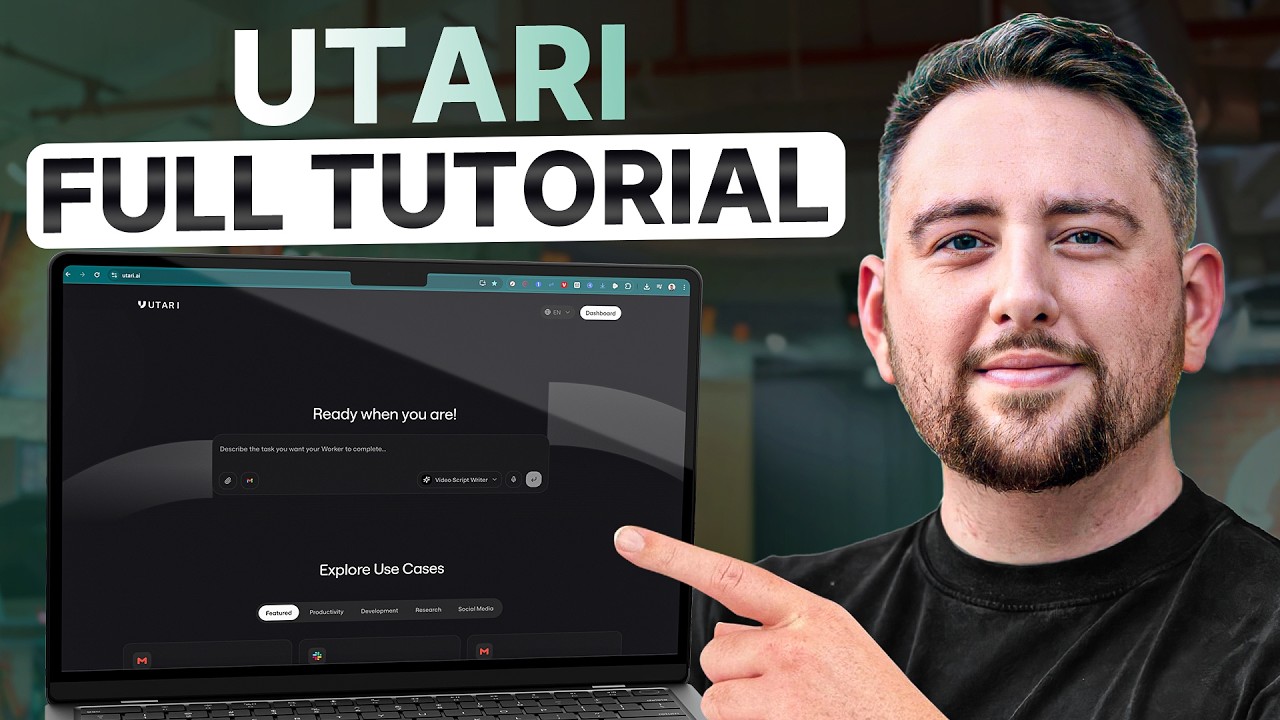
Utari is no longer a tool you can sign up for. I shut down public signups, canceled the subscriptions, and repositioned the platform as Utari Eternal, a service that builds and hosts AI clones for founders and experts. The first clone we built on it runs my brain. It’s called Jeremy AI, and in its first 12 months it has handled over 400,000 messages from users in more than 100 countries.
This post used to be a walkthrough for setting up your own Utari account. That version of the product is gone, so I rewrote it. Here’s what Utari is now, why I made the change, and what it costs to get access today.
Results are not typical. Your results will vary and depend entirely on your individual capacity, business experience, expertise, and level of desire. There are no guarantees concerning the level of success you may experience. The testimonials and examples used are not intended to represent or guarantee that anyone will achieve the same or similar results. We don’t believe in get-rich-quick programs. We believe in hard work, adding value and serving others. As stated by law, we can not and do not make any guarantees about your own ability to get results or earn any money with our information, courses, programs, or strategies.
Why I Built Utari in the First Place
The short version is that I was obsessed with a tool called Manus. One of my Inner Circle members, Daniel Fazio, introduced us to it and changed how I think about AI tools.
Manus had a feature called agentic mode. Instead of answering questions like a chatbot, it went out and attempted actual work on your behalf. Gartner’s analysis of agentic AI describes these systems as autonomous software that can perceive, decide, and act to achieve goals. That matched what I saw. Then Manus removed the option to run agentic mode exclusively, and I wanted control. So I hired AI developers and built my own agent-only platform. That’s how Utari was born.
For about a year, Utari was a self-serve product. You could create an account, build workers, connect your CRM and ad accounts, and let agents run parts of your operation. Plans ran from $20 to $200 per month, and there was a free tier.
What Happened to Utari
Two things became obvious after running it self-serve.
First, the people getting the most value out of Utari were not the ones tinkering with their own agents. They were the ones who wanted a finished outcome, a system already trained, already connected, already doing the job.
Second, I was using Utari to solve the biggest bottleneck in my own business. Access to me. My time is sold out. My agency starts at $20K per month plus revshare. My Inner Circle is $10K per month. The only way to scale my brain past my calendar was to clone it.
So I discontinued the self-serve version, canceled the subscriptions while honoring everyone’s billing period, and repositioned the company as Utari Eternal. If you visit utari.ai today, you won’t find a signup button. You’ll find an application. Utari now builds and hosts AI clones for experts, coaches, and founders whose time is the bottleneck, at $25,000 per year, by application only. I wrote about the reasoning behind that move in more detail in this breakdown of the system that saves me hundreds of hours.
The Same Engine, a New Job
Here’s the part most people miss. The functionality of Utari didn’t change. The agentic engine that powered the self-serve product is the same engine running the clones today. What changed is who configures it and whose brain sits on top of it.
The core pieces are the same ones I walked through in the original version of this post.
Workers are agents with a defined role and intention, like auditing sales calls, monitoring CRM compliance, or analyzing ad accounts.
The knowledge base is a master library where each worker only gets access to the material relevant to its job.
Triggers are events that put agents to work automatically, like a new call transcript landing in a Google Drive folder.
Integrations cover CRMs, Slack, Gmail, Stripe, and ad platforms. If it has an API, it can plug in.
Credit-based processing means the system reads everything you give it, every word, instead of summarizing to save costs the way flat-rate subscription tools do.
When you stack a person’s entire documented brain on top of that engine, you don’t get a chatbot. You get a clone that answers the way they answer and does the work the way they’d do it.
Jeremy AI, the First Clone on the Platform
Jeremy AI is my clone, and it was the proof of concept for the entire Eternal pivot. From day one of my agency in 2016, every conversation has been recorded. That archive became the training data.
11,400+ hours of Zoom calls, including one-on-ones, group calls, and agency war rooms, transcribed and indexed.
85,000+ DMs and emails showing a decade of how I actually answer founders, in my exact phrasing.
400+ SOPs and playbooks, the internal docs running an 8-figure agency.
1,200+ ad account audits from live Meta and Google walkthroughs, with all the pattern recognition that comes from them.
The system stays current, too. We autosync a Google Drive folder every day, so anything new I document is in the clone’s brain within about a day.
People who know me personally tell us the model answers exactly the way I do. That was the bar we built to. And the numbers from the first 12 months tell the rest. It has handled 400,000+ messages, took 129,000+ messages on the day it rolled out, serves users in 100+ countries, and drives a revenue stream that now exceeds $60K per month. I broke down the launch itself, including what worked and what I changed, in this post about launching an AI clone.
Three Ways to Use Jeremy AI
Access works in three modes, and all of them run on the Utari engine underneath.
Chat lets you text it on Telegram, web, or SMS. Paste in numbers, screenshots, scripts, or ad copy and get an answer in under two seconds.
Voice means you call it on a real phone number. It answers in my cloned voice with low latency, useful when you’re driving or thinking out loud.
Team mode gives your whole team seats. Drop it into your group chat so your closers and operators can ask it questions directly.
What do people actually ask it? The same things they’d ask me on a call. Audit my Meta account and find the leak. How do I get past my $50K per month ceiling. Should I raise my retainer to $15K. Rewrite my discovery script. Is this offer good or am I lying to myself.
What Access Costs Now
If you landed here searching for Utari pricing, here’s the current answer. The old $20, $50, and $200 monthly plans no longer exist, and there is no free tier. The product line looks like this now.
Jeremy AI costs $1,000 per month, by application at jeremyhaynesai.com. My brain, on demand, in chat, voice, and team mode.
Utari Eternal runs $25,000 per year, by application at utari.ai. We build and host your clone, trained on everything you’ve created, with the same agentic capabilities, voice cloning, and integrations that power Jeremy AI.
The math on Jeremy AI is simple. At $1,000 per month, one closed deal at any reasonable ticket covers the year. If it raises your show rate, tightens your scripts, or catches one leak in your ad account, it has paid for itself.
Should You Get Your Own Clone?
Utari Eternal makes sense for a specific kind of person. Experts, coaches, agency owners, and founders who already have demand for their time and can’t sell any more of it. If people pay for access to your brain, a clone lets you sell that access without selling your calendar. If you’re still building the demand, you’re not there yet, and I’d tell you that on a call too.
If that’s you, apply at utari.ai. If you’d rather borrow my brain than clone your own, start with Jeremy AI.
For agency operators looking to build more sophisticated operational frameworks, my 7-week live comprehensive training covers systems thinking and infrastructure development. And if you want ongoing access to how I’m implementing AI across my businesses, the Inner Circle is where we go deep on these implementations.
Results are not typical. Your results will vary and depend entirely on your individual capacity, business experience, expertise, and level of desire. There are no guarantees concerning the level of success you may experience. The testimonials and examples used are not intended to represent or guarantee that anyone will achieve the same or similar results. We don’t believe in get-rich-quick programs. We believe in hard work, adding value and serving others. As stated by law, we can not and do not make any guarantees about your own ability to get results or earn any money with our information, courses, programs, or strategies.
Get my content first on Google
Add jeremyhaynes.com as a preferred source and Google shows my articles more prominently in your search results, including AI Overviews and AI Mode.


Jeremy Haynes
Owner and CEO of Megalodon Marketing
Jeremy Haynes is the founder of Megalodon Marketing. He is considered one of the top digital marketers and has the results to back it up.